


Disnet Distributors - Groothandel voor fotografie & video
Jouw distributeur voor fotografie en videografie
Meer dan 40 topmerken


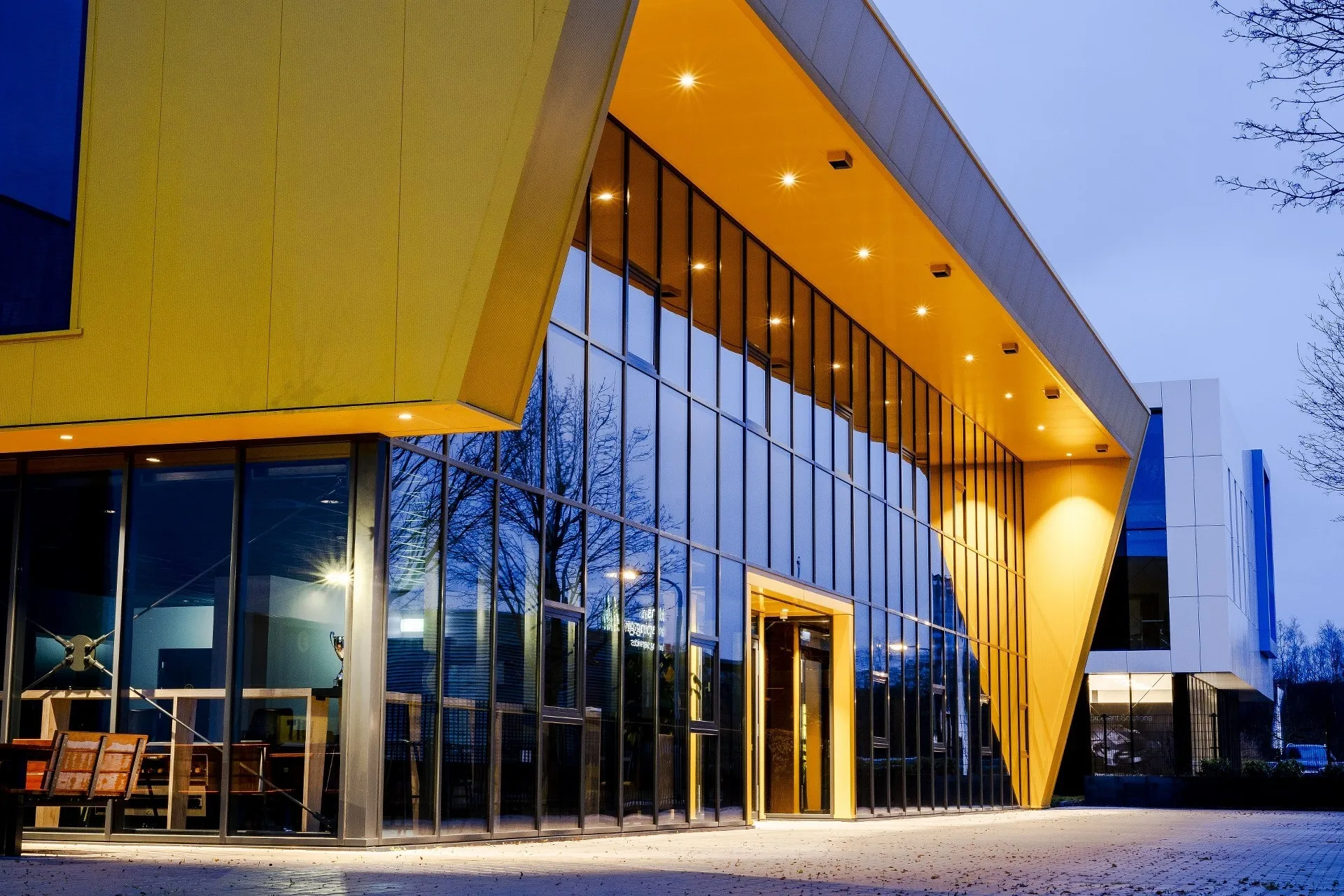
Centrale ligging
Snelle levering
Disnet distribueert internationaal vanuit Beilen in Drenthe - klein dorp, groot bereik. Door de centrale ligging van Disnet en goede afspraken met onze vervoerders kunnen wij onze klanten in Europa optimaal bedienen met snelle leveringen van onze kwaliteitsmerken.
Voor goede service, kwaliteit en maatwerk ben jij, mede door onze persoonlijke aanpak, bij ons aan het juiste adres!
Groothandel voor fotografie en video
Sinds 2010 is Disnet Distributors een snel groeiende partij als het gaat om distributie van fotografie-, video- en outdooraccessoires. Gestart met de camerastraps van Blackrapid, nu uitgegroeid naar een groothandel voor fotografie met meer dan 40 kwaliteitsmerken. Vanuit onze locatie in Beilen bedienen wij geheel Europa en voorzien wij vele dealers van onze topmerken als o.a. Godox, Wandrd, Viltrox en F-Stop.
Alles in huis
Bij Disnet staan wij achter onze producten. Als wij een lijn in ons aanbod opnemen, dan is dat ook de gehele lijn. Alle kleuren, alle accessoires en vaak ook nog allemaal op voorraad. Deze mindset wordt vaak gewaardeerd door onze dealers, aangezien wij altijd snel kunnen leveren en altijd met ze meedenken.
Dealer worden bij Disnet?
Als groothandel in fotografie en video leveren wij alleen rechtstreeks aan dealers die zich aangesloten hebben bij Disnet. Als dealer kun je onze merken opnemen in je assortiment en heb je toegang tot onze Disnet shop om eenvoudig je voorraden aan te vullen en nieuwe producten te kunnen bestellen.